Your techs' whole day, in their pocket.
Even in a basement.
Diagnose it, sell it, get paid for it — before the truck leaves the driveway. ONEREQ PRO Field is a native iPhone, iPad and Android app, not a shrunk-down website: voice-to-diagnosis, data plate scan, on-screen signatures, payments and a cross-truck Parts Locator in one place. Techs stop calling the office. The office stops chasing paperwork.
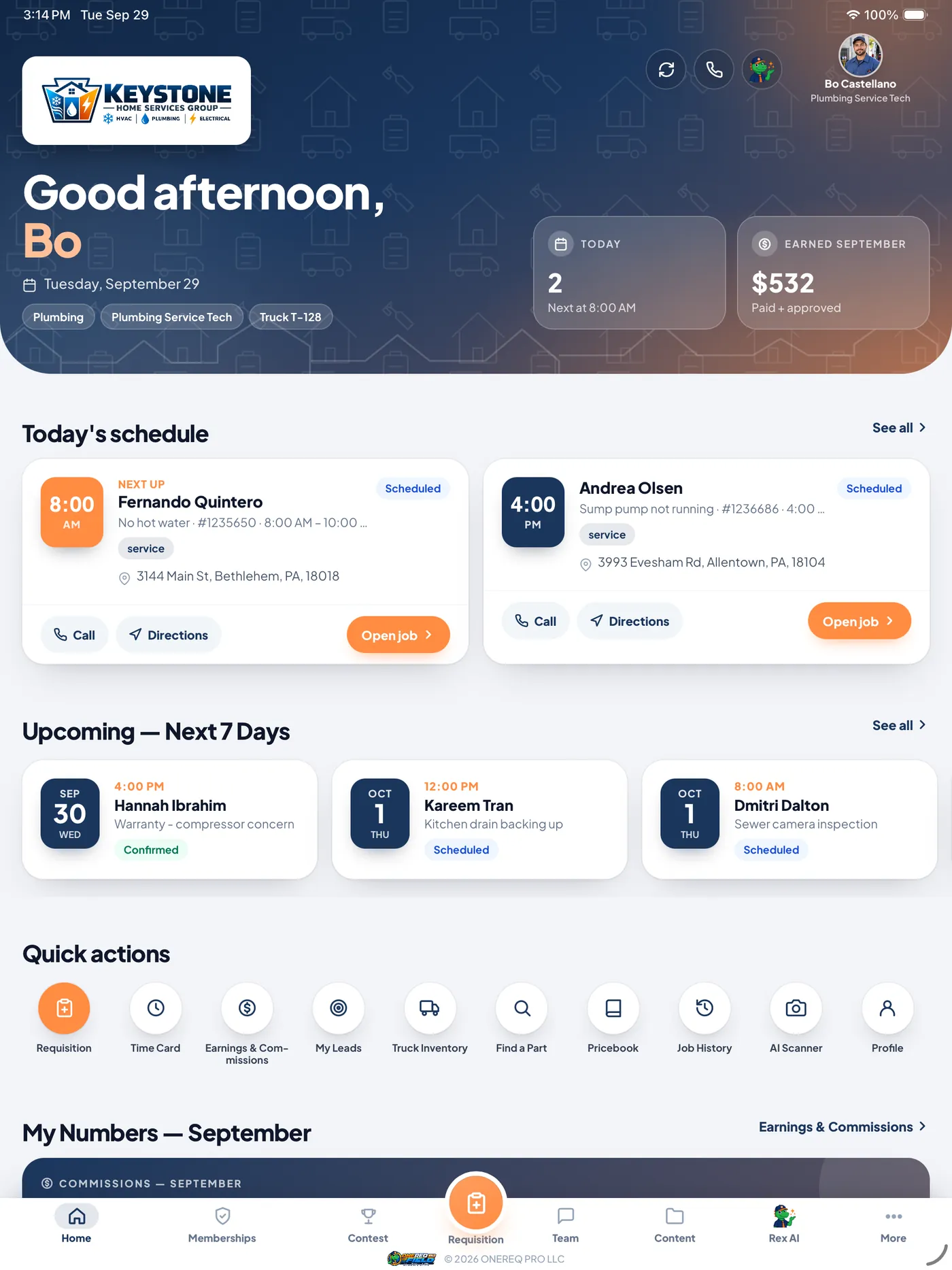
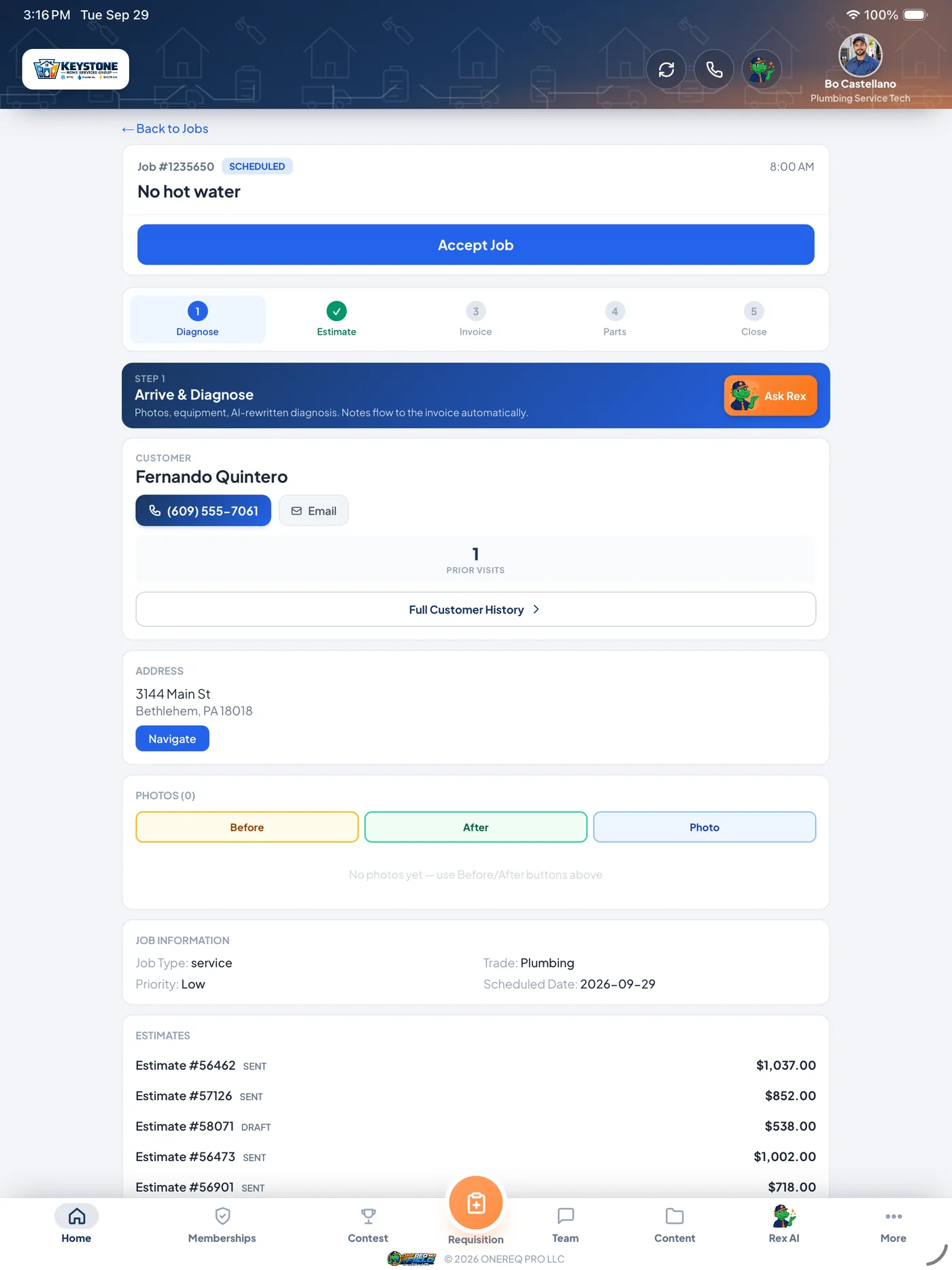
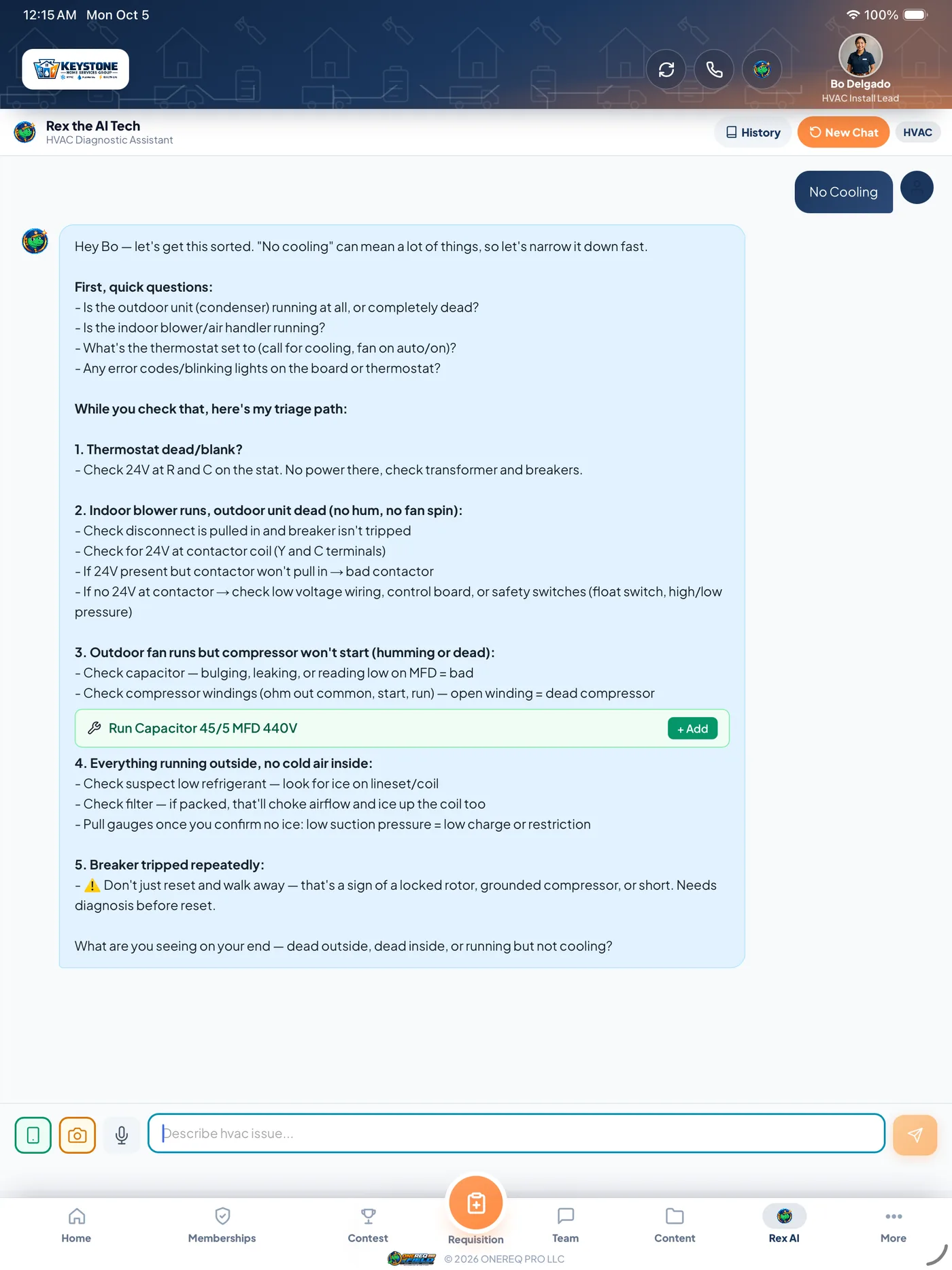
Everything between the truck door and the driveway.
A real native app — camera, GPS, push alerts and on-device storage, the things a mobile website only fakes. Every job your office books lands on the tech's device, and everything the tech captures lands back in the CRM.
Rex, built in
Voice-to-diagnosis, data plate scan, parts recommendations and a compatibility check at order. Not a chatbot you have to open — Rex works where the work happens. (Rex needs a connection.)
Data plate scan
Point the camera at any data plate. Rex reads make, model, serial, age and refrigerant type and saves the snapshot to the equipment record. No more typing serial numbers with cold hands.
Voice-to-diagnosis
Tech rambles into the device. Rex rewrites it as a professional customer-facing diagnosis with recommendations. Tech approves before save.
Keeps going in a dead zone
Basement call, no signal? Most job workflows keep running and sync when reception comes back. Nobody drives to the street to finish a form.
On-screen signatures
Customers sign estimates, invoices and service forms right on the screen. No clipboards, no paper, no chasing a signed copy later.
Paid before they pull out
Card, cash or check taken on the spot. The method is always chosen — never defaulted to cash — so the books match the money.
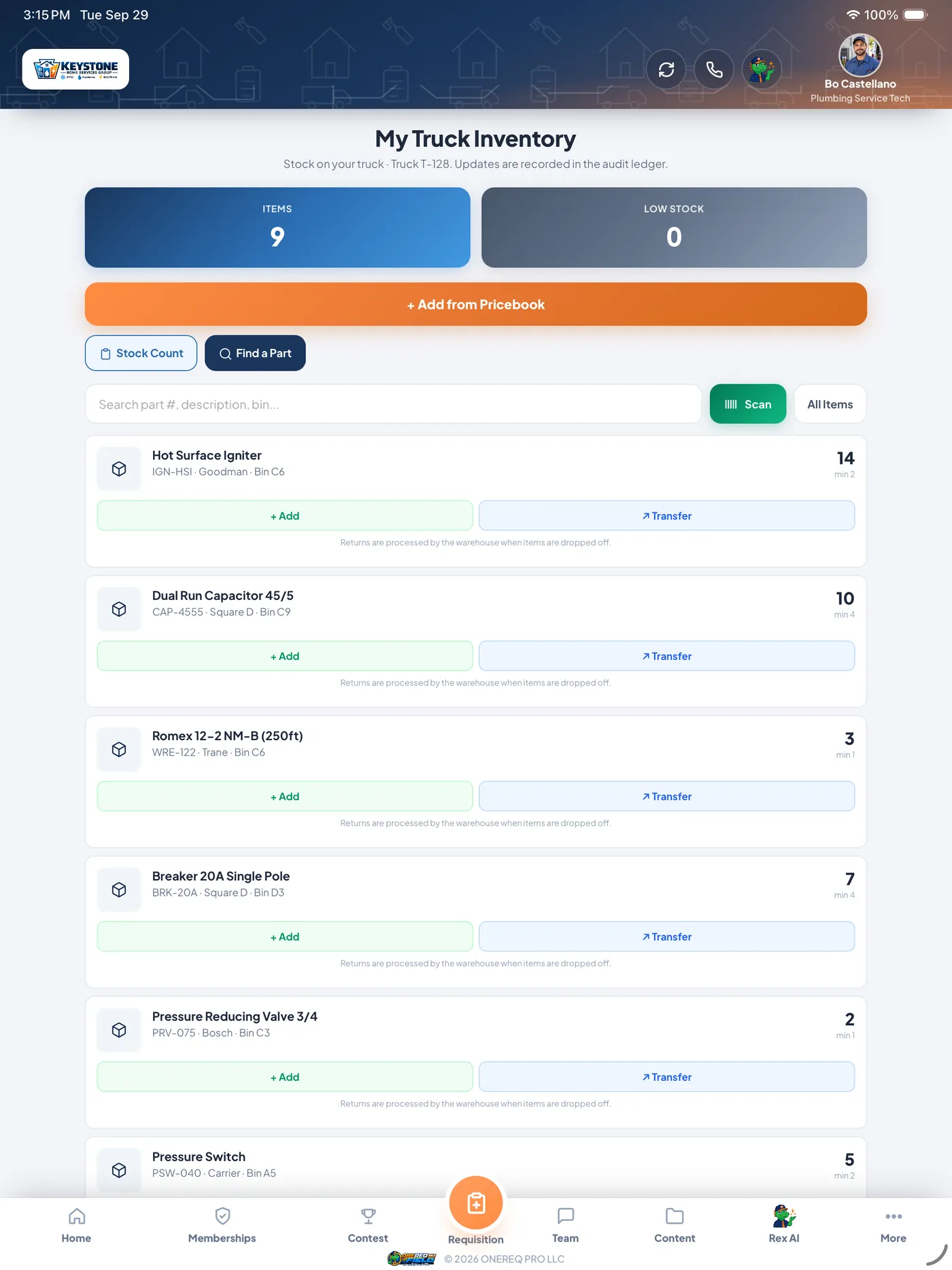
Truck inventory
See what's on the truck in real time. Scan a barcode to add stock; if the part is on another truck, the app points you to it instead.
Cross-truck Parts Locator
Search shows "On your truck" or "Truck #3 — 0.8 mi away." One tap requests a tech-to-tech transfer, with a full audit trail.
Direct messages
One-to-one and group messages between techs, dispatch and the office. The same conversation shows up in the CRM Team Hub.
Live contest tab
Trophy tab appears in the bottom nav only while a contest is active. Red dot fires when standings update; clears when you open it.
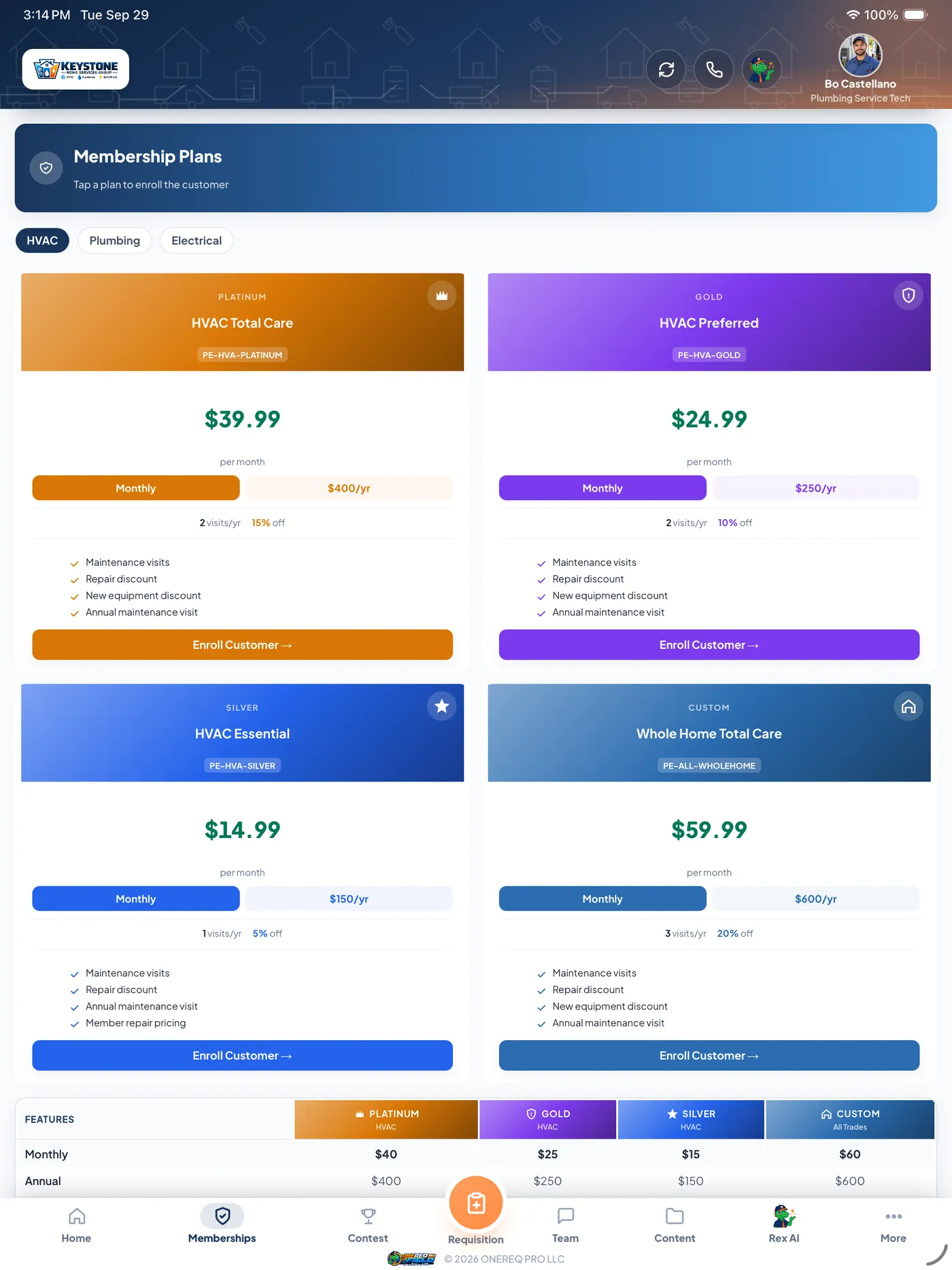
Memberships, sold at the door
Sell a maintenance membership on the spot. Billing is saved to the customer, plans cover multiple pieces of equipment, and the data plate scan fills in equipment you don't have on file yet.
Spanish for your customers
Customer-facing documents — estimates, invoices and signing screens — switch to Spanish with a tap. The Superheat / Subcooling calculator speaks it too.
Photos that do the paperwork
Before and after photos are tagged to the equipment, attached to the invoice and ready for your auto-drafted social post.
Live on the dispatch map
The app shares location in the background, so dispatch sees who is closest and customers get a real ETA. Not foreground-only.
Rilla Voice
Record the sales conversation and see Rilla's insights on the tech's job page. Turn it on per company.
Real screens · Real workflow
Built for a van, not a desk.
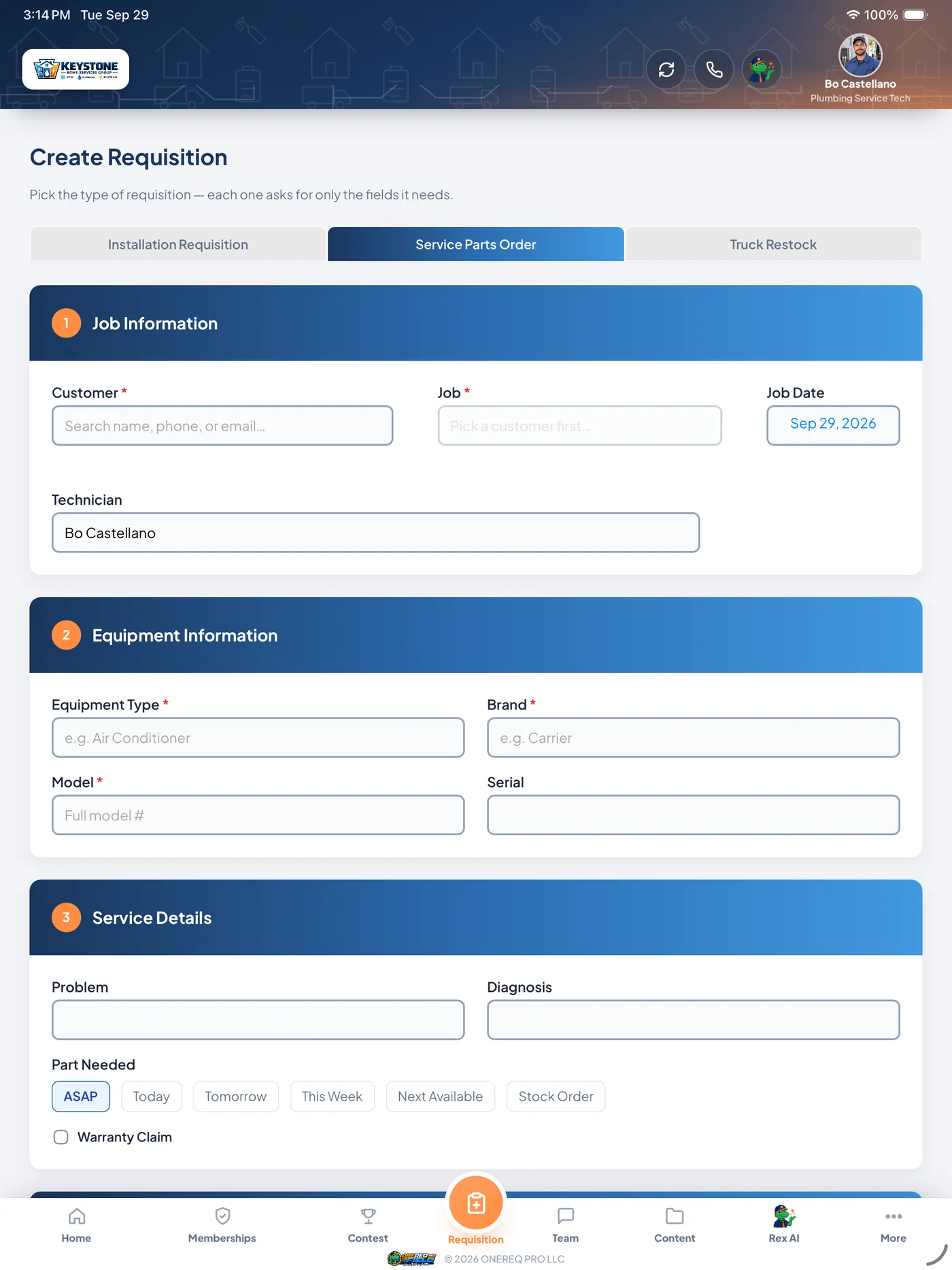
Same app, same data — on iPhone for techs on the move, on iPad for the in-home presentation. Flip between layouts below.
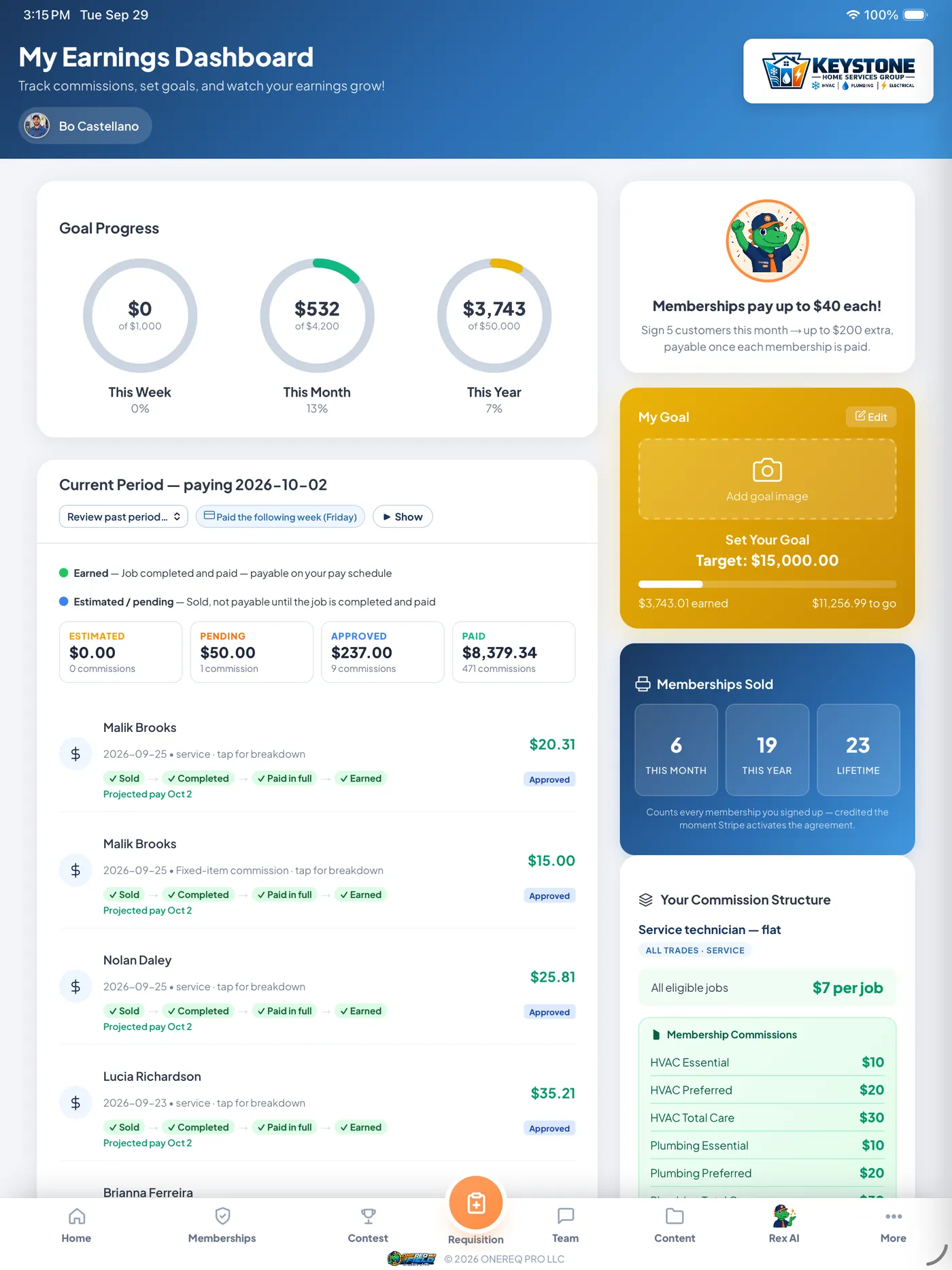
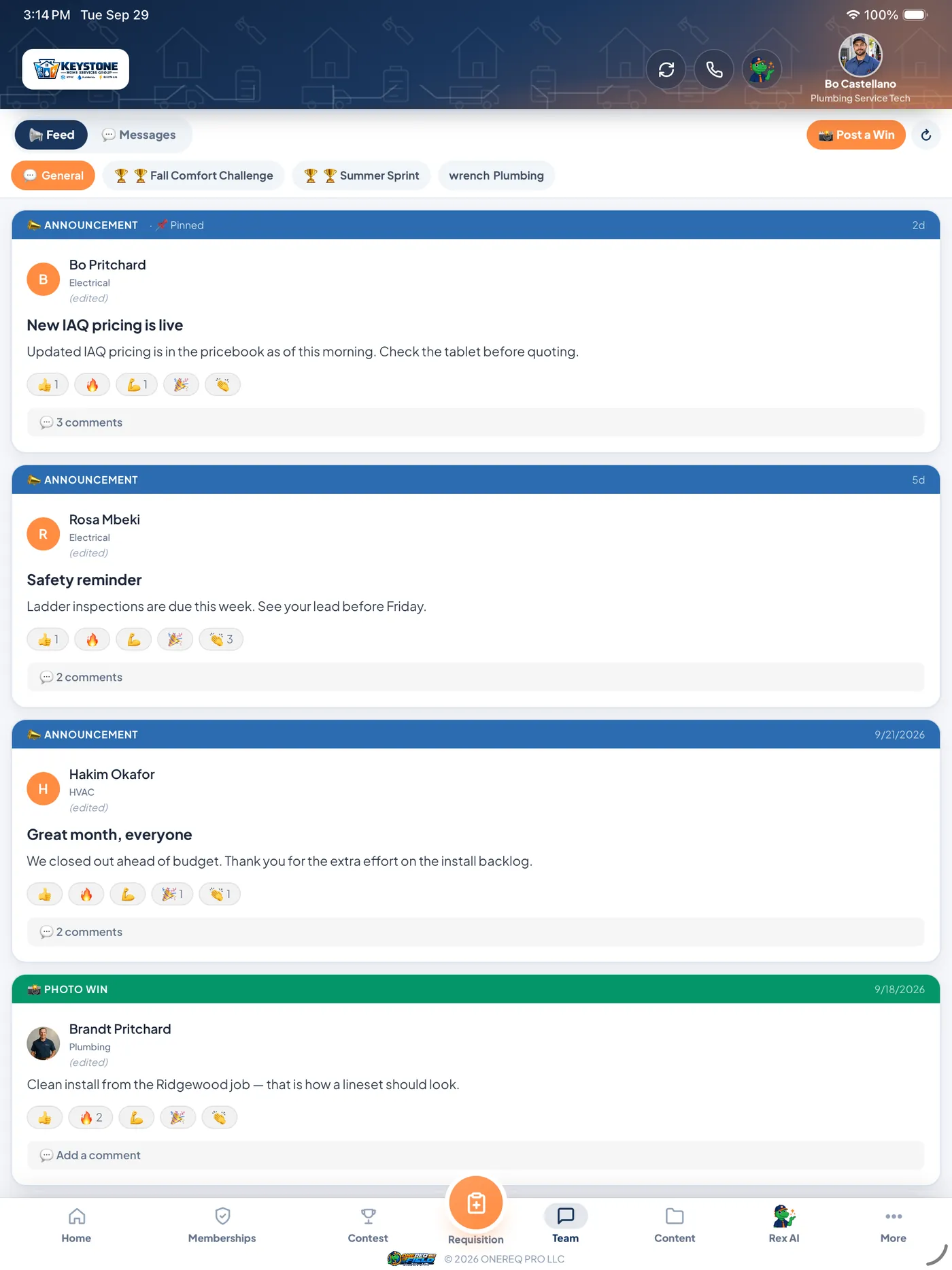
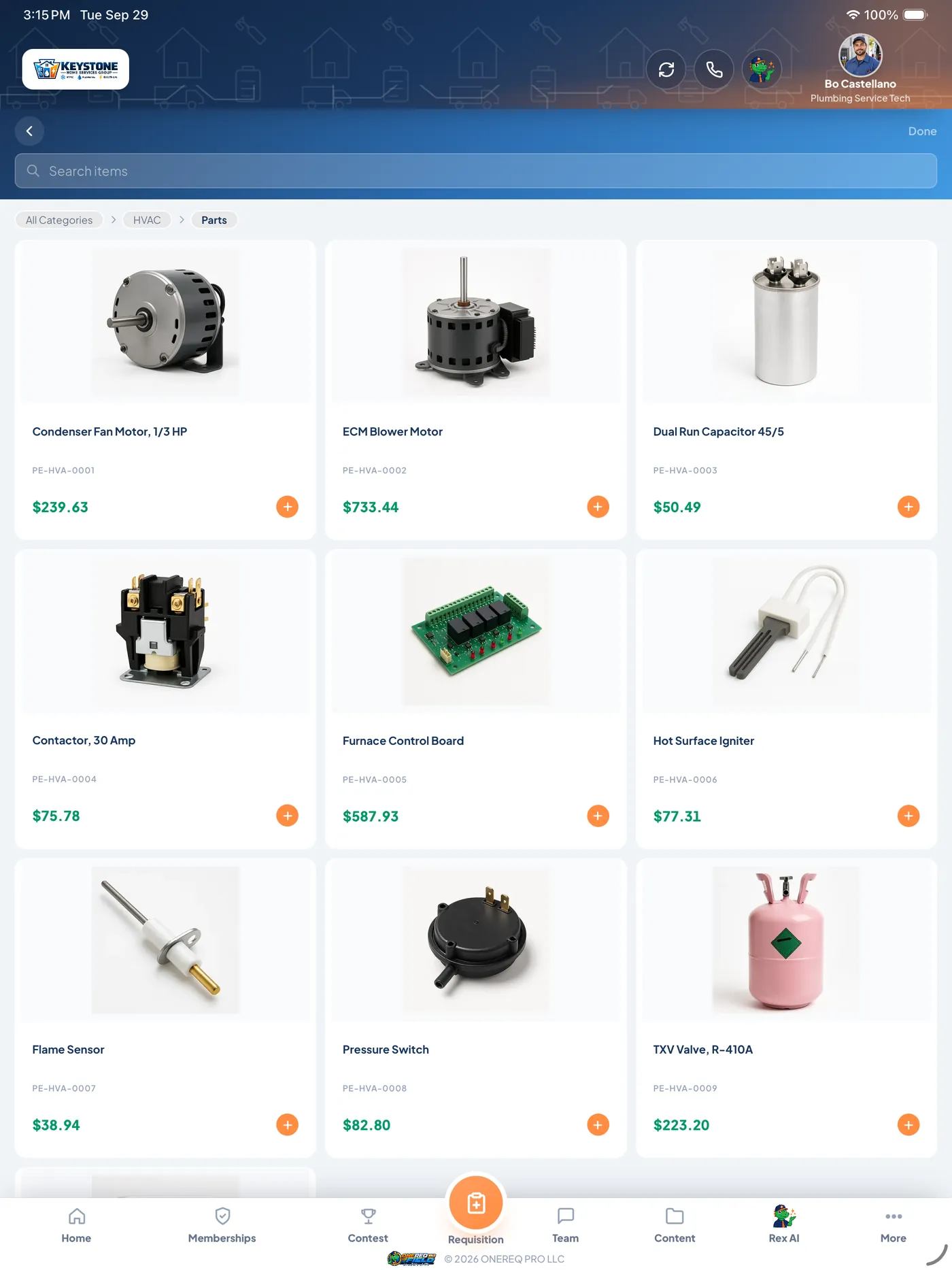
What a mobile website can't do for a tech.
Camera AI, background location and a job list that survives a dead zone — the work a shrunk-down website can't actually do.
| On the job | ONEREQ PRO Field | A mobile website |
|---|---|---|
| Camera data plate scan | ✓ | Limited |
| Voice-to-text diagnosis, rewritten by Rex | ✓ | Limited |
| Location shared in the background | ✓ | — |
| Keeps working when the signal drops | Most workflows | — |
| Truck inventory + cross-truck Parts Locator | ✓ | Limited |
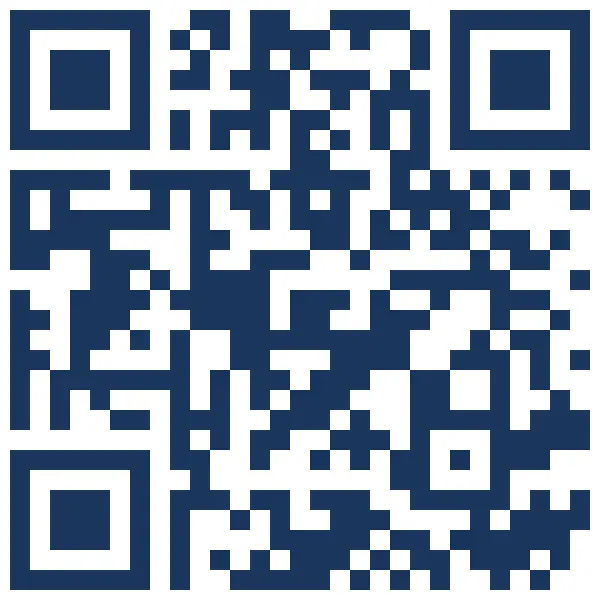
 Get the app · Free download
Download — iPhone, iPad or Android.
On Apple, one App Store listing covers iPhone and iPad — point your camera at the QR. On Android, use the Google Play button. Either way you install ONEREQ PRO Field, then sign in with the credentials your office set up for you. No separate iPhone and iPad versions to keep straight.
See it in your techs' hands.
Book a 30-minute demo and we'll run a real diagnosis, scan a real data plate, present a real proposal and take a real payment — live, on an iPad. No deck, no slides. Running several locations? Every location's techs use the same app, and every payment lands in the same numbers your owners read.